Resources Guide
GuideCreate Claude skills
Writing the same prompt over and over? Turn it into a reusable skill instead.
The magic isn’t “one perfect prompt.”
It’s not having to rebuild that prompt from scratch every single time.
Save the Role, Ask, Spec, and Example once. Next time, you just drop in the new Input and go.
Make sure your skill creator skill is on in your Settings → Skills
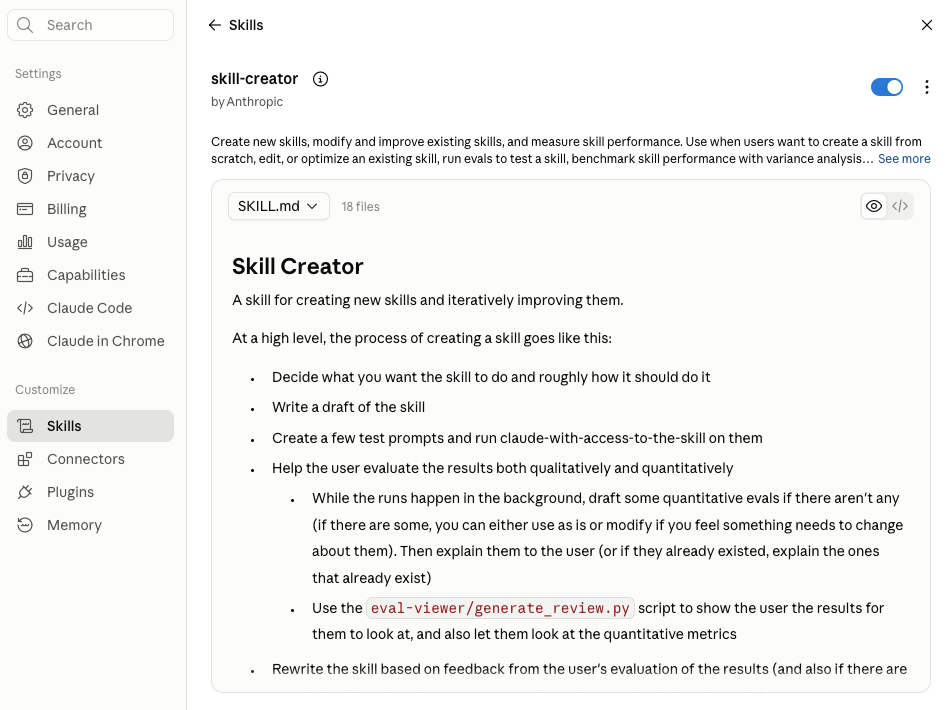
Then invoke it in the chat and paste your prompt in as much detail as possible.
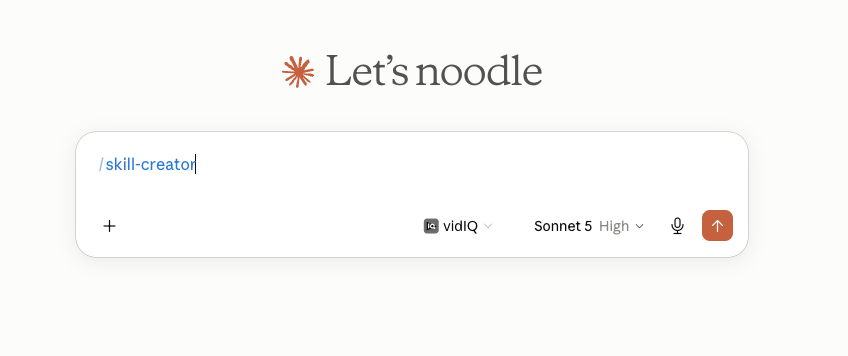
Example prompt:
[Role] You’re a direct-response copywriter who cares about ROI over polish. [Ask] Rewrite this outreach email so it leads with a result, not a service list. [Input] Here’s the current draft: [paste email]. [Spec] Keep it under 100 words, casual tone, end with a specific question instead of a generic CTA. [Example] Here’s an email in the tone I’m going for: [paste example].
I’d add a bit more detail on there and get Claude to turn it into a skill.
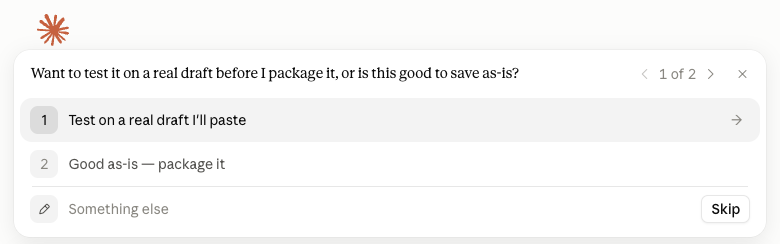
It might ask you whether you want to test it out or to go ahead and create the skill. it’s always best to test it out with real data so you can fine-tune right away.
Once it’s done creating hte skill. Open it within the same claude window, in the artefacts pane and click on save skill on the top right corner (where mine currently says “Update skill” 👇🏼)
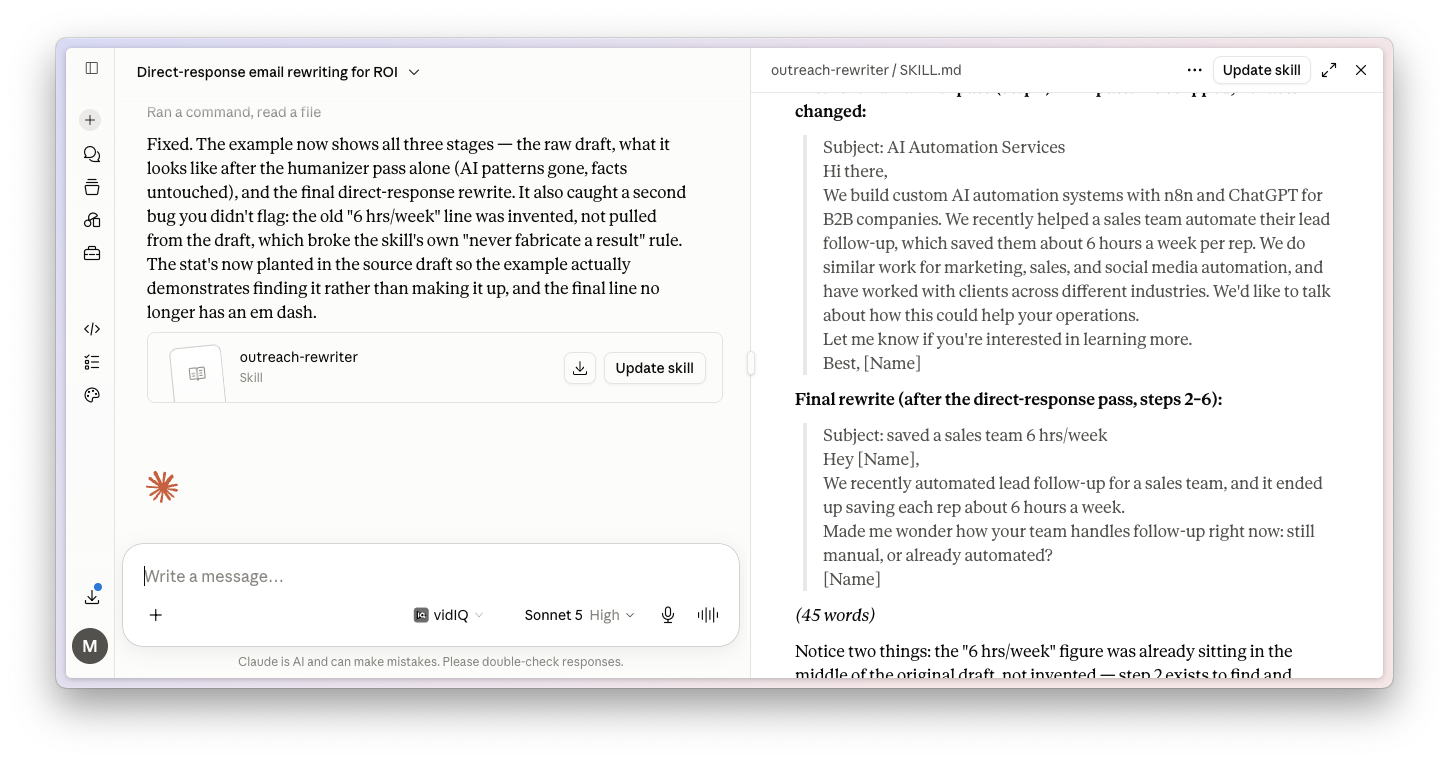
It’ll save it to your skills and you can call it anytime you want.

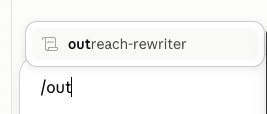
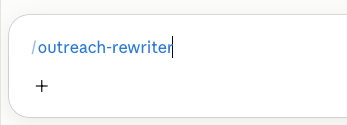
Mine’s called “outreach-rewriter” so i’d call it in the chat by saying /outreach-rewriter
As you start typing, Claude should suggest the skill to you:
When you select the skill, it should be written in blue:
You can download my skill below:
Build your AI systems
A practical implementation community for founders building AI-powered systems. Opening soon!