Resources Guide
GuideStop your AI site from looking AI-built
Installing and using Impeccable, the design skill for Claude Code, Cursor, Codex.
Impeccable is a free skill that gives your AI coding agent an actual design vocabulary. Instead of typing “make this look cleaner” and hoping, you run commands like /impeccable polish or /impeccable typeset, and the agent fixes color, type, layout, and motion the way a designer would.
It also catches the tells that make AI-built sites look AI-built: nested cards, purple gradients, glassmorphism, the usual suspects.
Install takes one command. It works inside Claude Code, Cursor, Codex CLI, Gemini CLI, and more.
What you need before you start:
- A project. Existing UI or a blank one, both work. Impeccable can polish what you have or build a new page from a description.
- An AI coding agent. Claude Code, Cursor, Codex CLI, Gemini CLI, or GitHub Copilot (it’s built in already).
- Node 22.12 or newer, since the installer runs through npx.
1. What Impeccable Actually Fixes
You know the look.
Cards inside cards. A purple-to-blue gradient on every hero. Glassmorphism nobody asked for. Italic serif taglines that showed up in every AI demo this year.
That’s not random. Every AI coding agent learned from similar training data, so left alone, they all reach for the same handful of patterns.
Impeccable is a skill (a set of instructions your agent reads before it works) that swaps those defaults for an actual design process. It runs 59 checks for these AI “tells” and fixes them, and it teaches your agent four disciplines instead of vague requests:
- Color & contrast: strategic color instead of the default gradient
- Typography: real hierarchy instead of generic sans-serif everywhere
- Layout & spacing: rhythm and alignment instead of evenly spaced blocks
- Micro-interactions: motion that means something instead of decoration
It’s built by Paul Bakaus, has a public GitHub repo with over 59,000 stars, and it’s free to install.
2. Install It
Two ways to do this. Pick one.
Option A: Terminal. Open your terminal, go to your project folder, and run:
npx impeccable install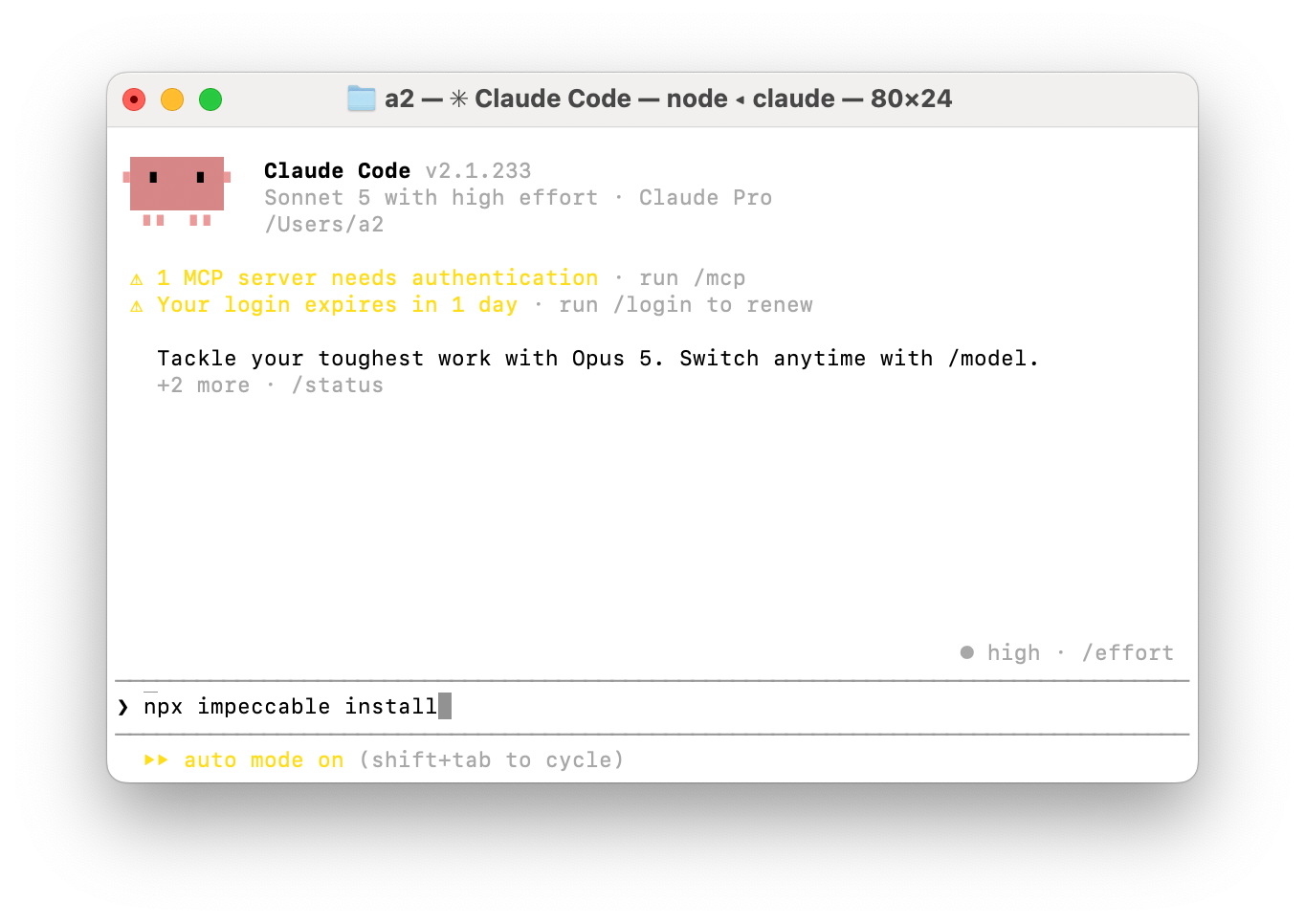
Option B: Tell your agent directly. Open Claude Code or Codex in your project and type:
Install the design skill from https://impeccable.styleYour agent reads the site, figures out the install command on its own, and runs npx impeccable install for you. Same result, zero terminal.
On the GitHub Copilot app, skip both. Impeccable is already built in, you just flip it on under Settings → Experimental.
Once it’s installed, type / in your agent. You should see /impeccable show up in the list.
3. Give It Context
Skip this step and Impeccable falls back to generic SaaS defaults. Don’t skip it.
Run:
/impeccable initIt scans your codebase first, so it already has a read on your project before it asks you anything. Then it asks 2-3 quick questions about the project. Your answers get saved to PRODUCT.md, and every command after this reads that file automatically.
Once init finishes, it offers to scan your existing colors, fonts, and components and write them into DESIGN.md. Say yes. That’s the file that keeps every future change on-brand instead of inventing a new style each time.
4. Your First Command
Pick a page you already have. Run:
/impeccable polish the pricing page/impeccable polish is the “make it good” pass. It checks alignment, spacing, type, color, hover states, and copy, then makes small fixes instead of a rewrite. A real polish pass looks something like:
Visual alignment: fixed 3 off-grid elements
Typography: tightened h1 kerning, fixed a widow on the feature list
Color: replaced a hardcoded hex with --color-accent
Interaction: added a missing hover state on the FAQ items
Read the diff before you accept it. If something’s off, say so and ask the agent to revert just that part.
5. Starting From Scratch
Nothing built yet? Skip /impeccable polish and just describe the page. There’s no separate command for this, you talk to Impeccable the same way:
/impeccable a pricing page for enterprise customers
/impeccable add a comparison table to the pricing page
It figures out who it’s for and what it needs to look like, then builds it. If your harness can generate images (Codex, Gemini CLI), it’ll show you a mockup first so you’re coding toward something real instead of a paragraph of adjectives.
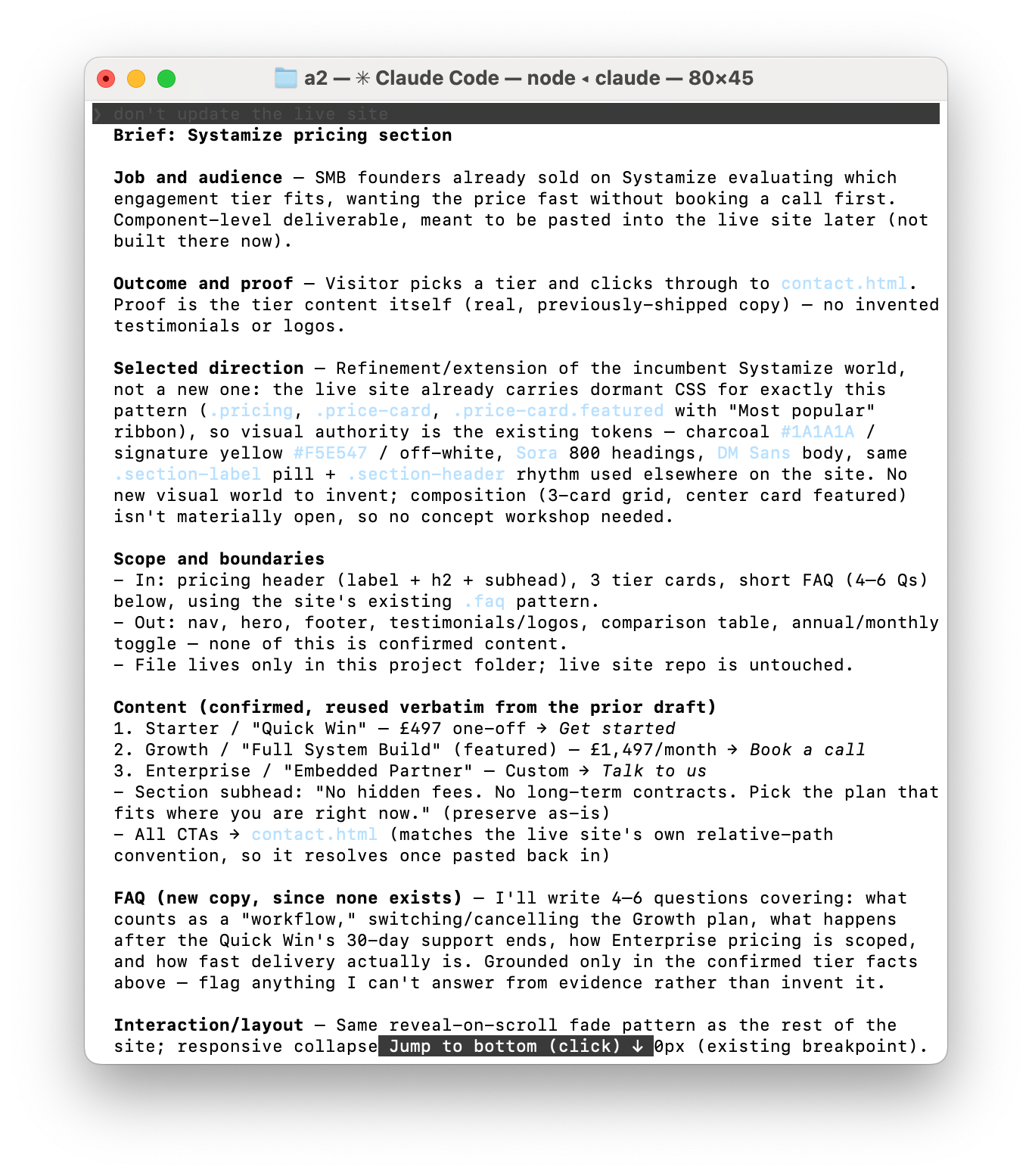
Want the plan without the build? Run /impeccable shape instead:
/impeccable shape a settings screen for team billingIt asks you 5-10 questions to clarify the build and hands you a brief.
6. The Real Power: 23 Sub-Commands, Not Vague Requests
This is the actual point of the tool. Instead of typing “make this look cleaner” and getting whatever the model feels like that day, you get 23 named commands, each one a specific design move:
/shape: plans the page before anything gets built/critiqueand/audit: review what’s already there (critique scores the design, audit checks the implementation)/typesetand/layout: fix type and spacing at the detail level/colorizeand/animate: add color with intent, motion with purpose/distill: strips out anything that isn’t earning its place/polishand/harden: the last two passes before something ships
You call any of them the same way:
/impeccable <command> <what you're pointing it at>Example: /impeccable critique the landing page runs a full review with scoring and flags what to fix. /impeccable audit the checkout checks accessibility, performance, and responsive behavior before you ship it.
If you use one constantly, pin it. /impeccable pin audit gives you a standalone /audit shortcut.
More on commands here: https://impeccable.style/docs/
7. Live Mode: Point, Don’t Prompt
Sometimes you can’t name what’s wrong. You just know something feels off.
That’s what Live Mode is for. Run:
/impeccable live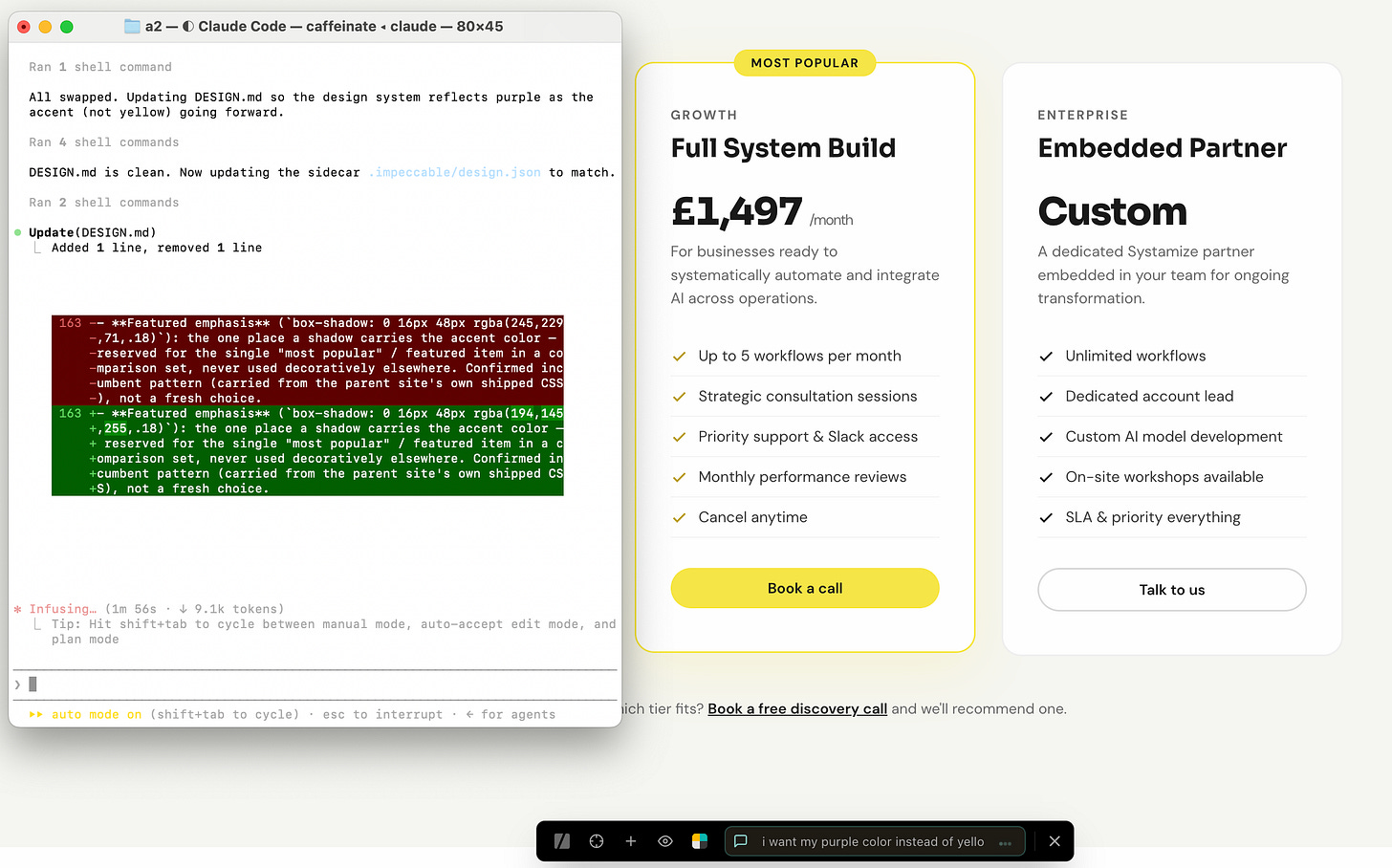
It drops a picker onto your running dev server. Click any element on the page, type or draw what you want changed, hit go.
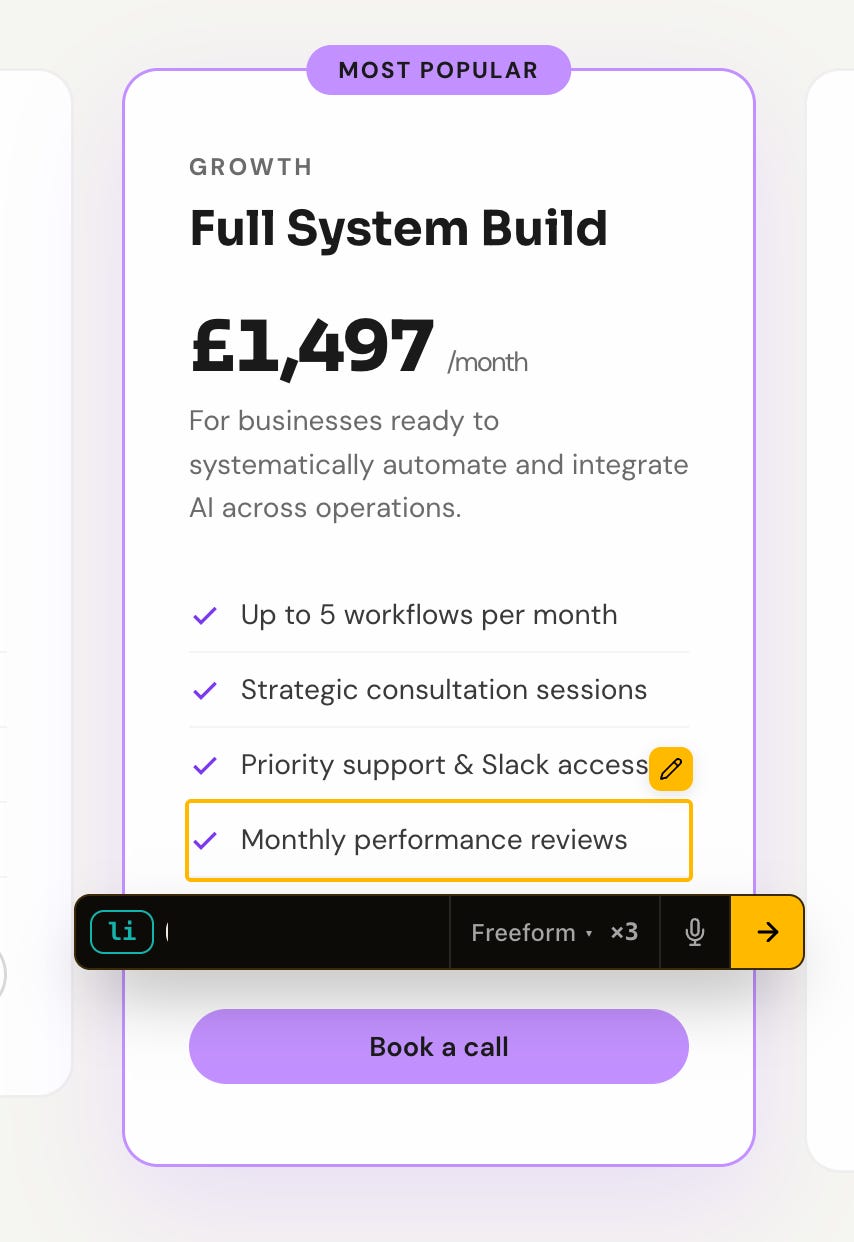
The agent generates three variants side by side. Pick the one that works, and it writes that version straight back into your source code, not a screenshot, the actual code.
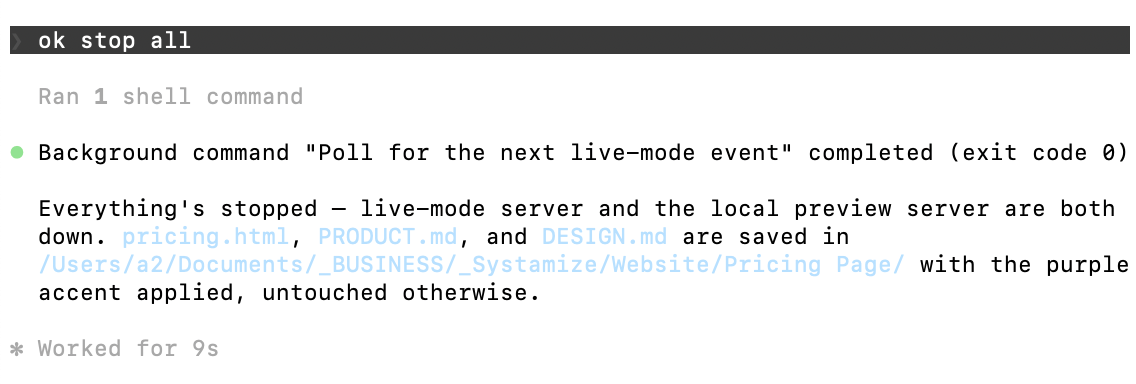
Once you’re done, you can just tell it to stop running the server.
Now Hold Up, Let’s Be Realistic
Impeccable is opinionated. That’s the point, but it also means it’ll sometimes change something you liked.
It’s not a magic “make it beautiful” button either. Without PRODUCT.md and DESIGN.md, it still runs, just with generic defaults, closer to a decent designer than to your designer. The context step is what makes it match your brand instead of anyone’s brand.
And it’s still a tool, not a replacement for taste. Review the diffs. Push back when a change doesn’t fit.
Recap
- Install it. Run
npx impeccable installin your terminal, or tell Claude Code / Codex to install it from impeccable.style directly. - Give it context. Run
/impeccable initonce. It writesPRODUCT.mdandDESIGN.md, and every command after that reads both. - Use the vocabulary.
/impeccable polish,/typeset,/layout,/critique, or Live Mode when you can’t name what’s wrong. Review every diff.
Once it’s set up, your agent has an actual design system to work from instead of the same three defaults every model reaches for.
Build your AI systems
A practical implementation community for founders building AI-powered systems. Opening soon!